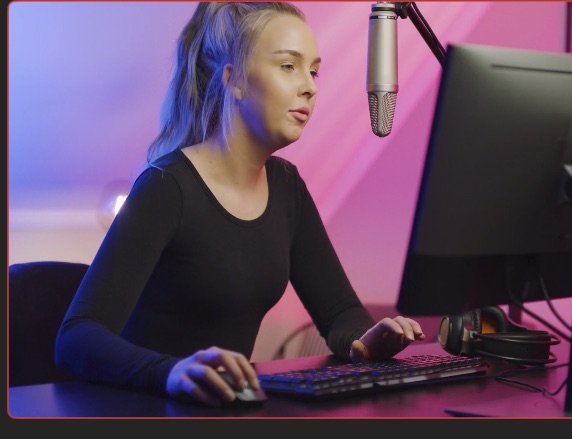
Scenes & switching
One click, new scene — smooth every time
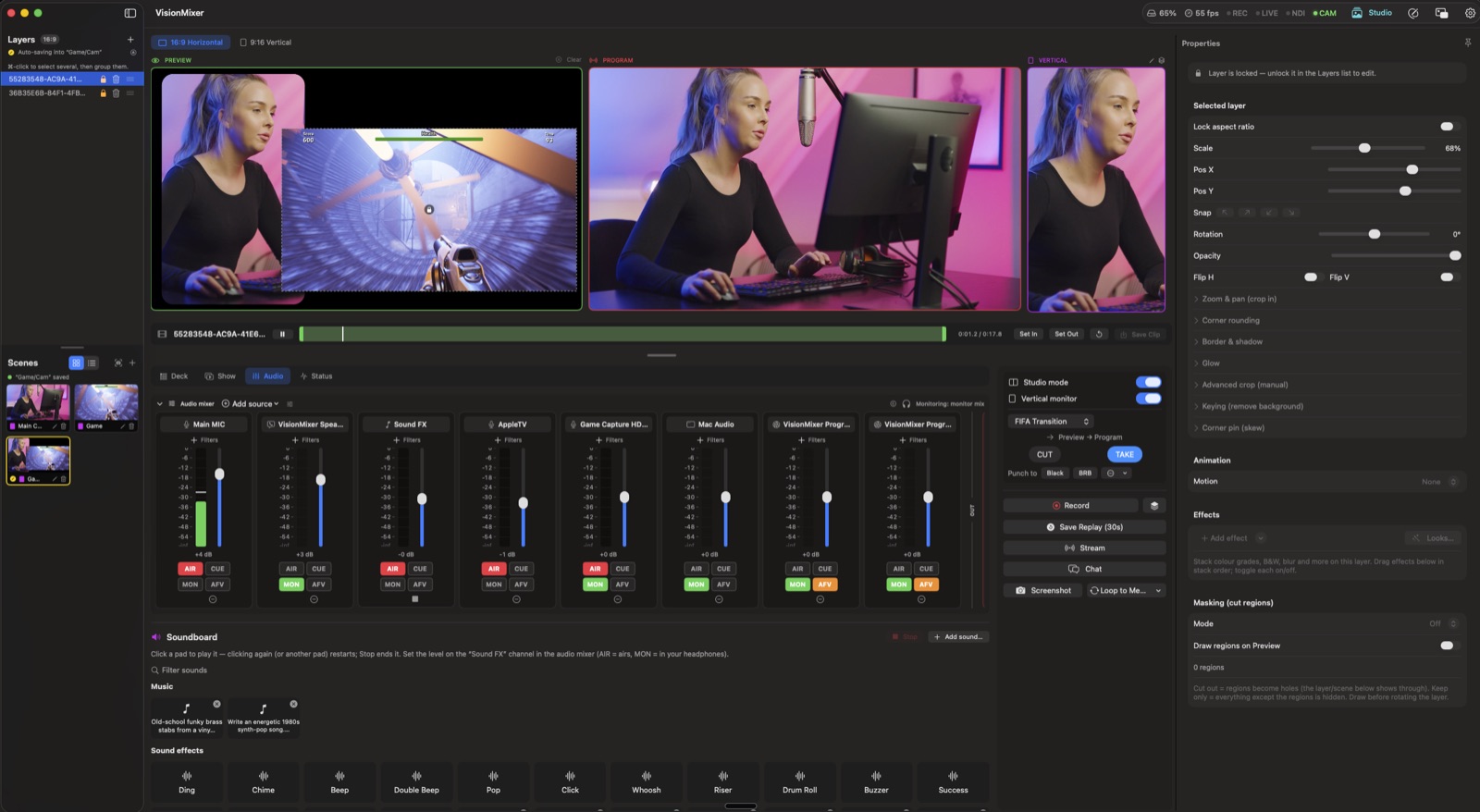
Build scenes from your cameras, screens, clips and overlays. See what's coming up before your audience does, then switch with a single click — or edit live when you're moving fast.
- Preview-then-go switching, instant cuts, or automatic animated transitions
- Remove your background with no green screen — plus crop, rounded corners and green-screen keying when you have one
- Saved scenes with live thumbnails, ready on one click
Show Deck
Every button of your show, one surface
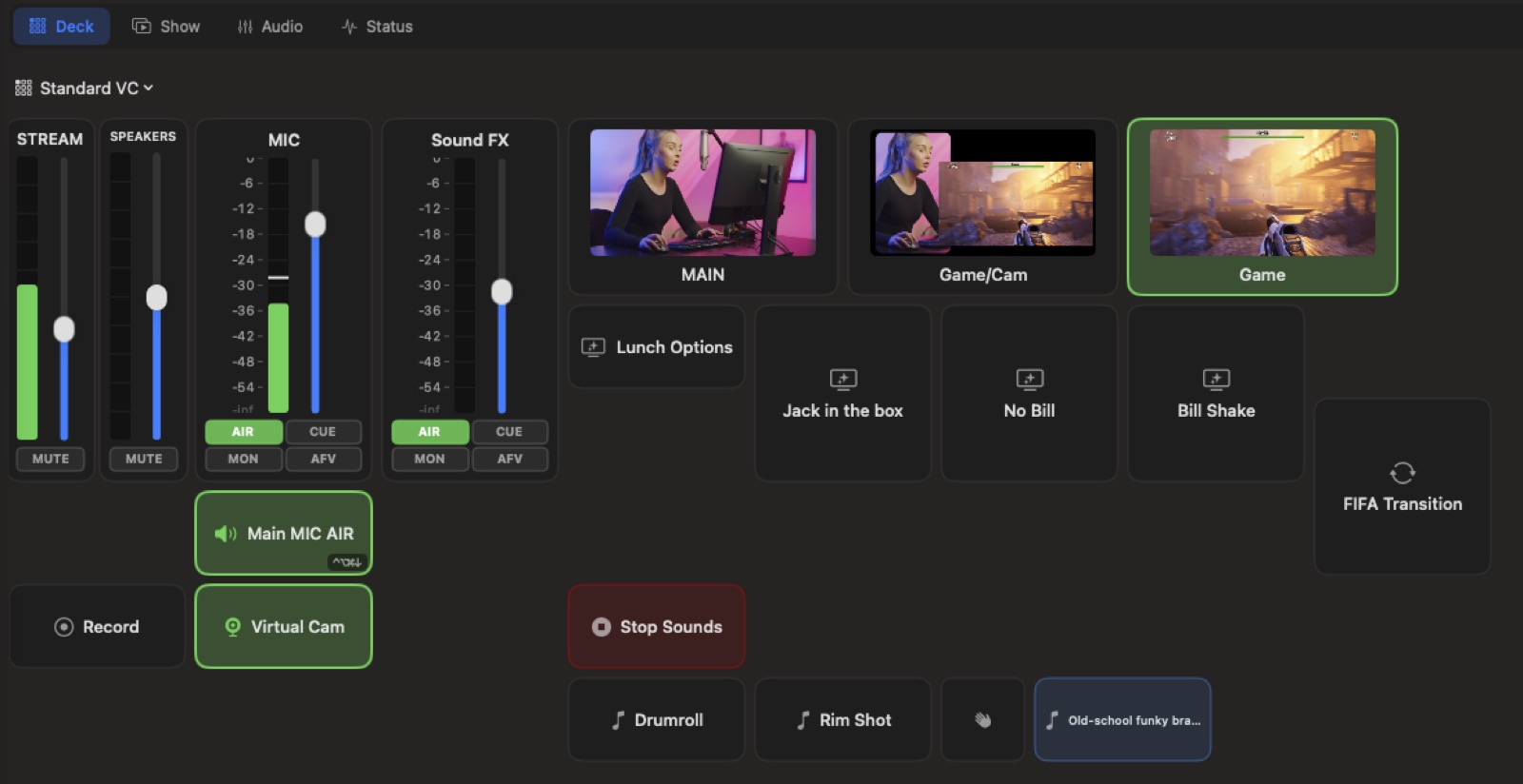
Build a deck of tiles that run your show: fire scenes with their own transitions, trigger graphics, play sound effects, start recordings, ride faders. Then take it anywhere — a floating mini panel, global hotkeys, or any phone on your network as a web remote.
- Scene buttons that bring their own transitions
- Volume faders and sound-effect pads right on the grid
- Web remote over Wi-Fi — the deck in your pocket

Media Studio
The prep room for everything on air
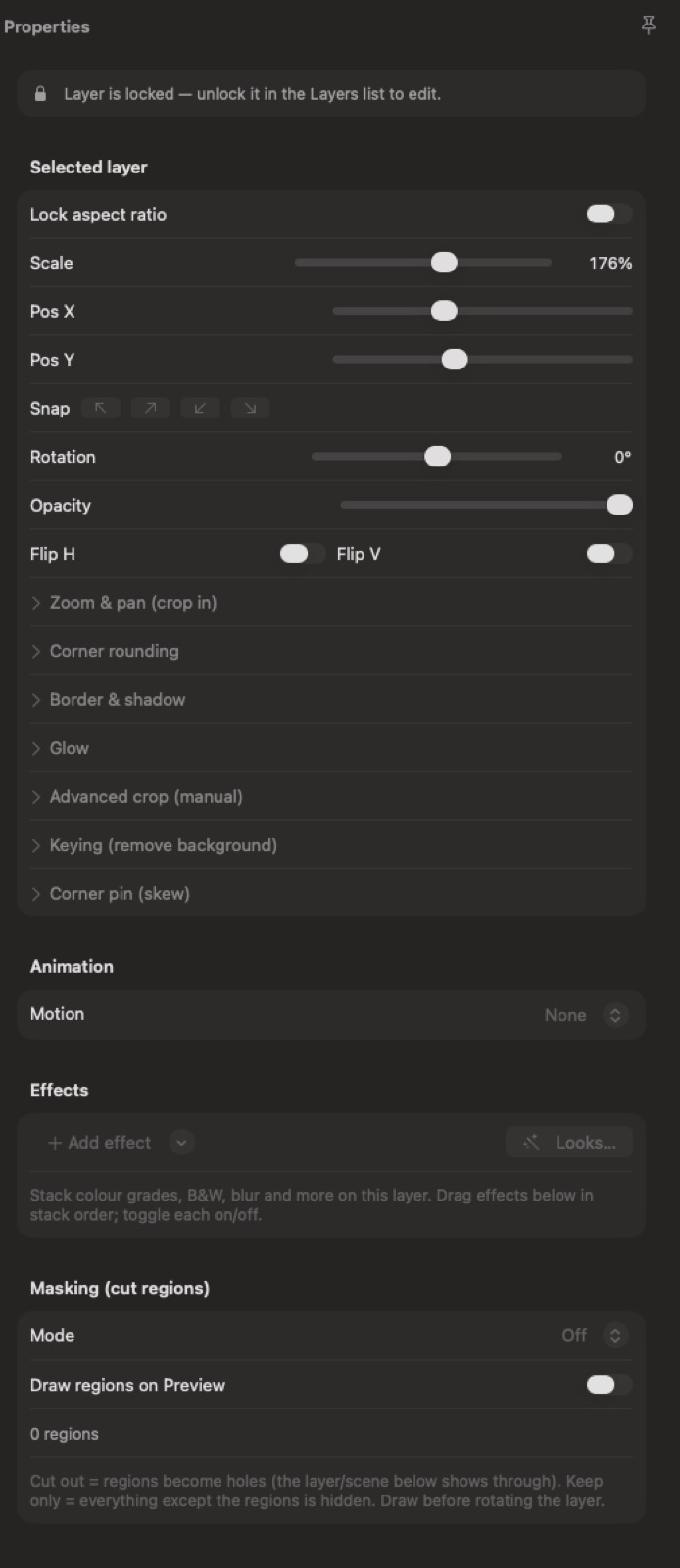
One window to browse, build and rehearse: your whole library organized by type, a full canvas editor, AI-generated overlays and sound, and a stage to try it all before the audience sees it.
- Cameras, clips, overlays, 3D titles and sound — one searchable library
- Polish any layer: filters, borders, rounded corners, effects
- Generate overlays, images and sound effects with AI, right in place
Motion graphics
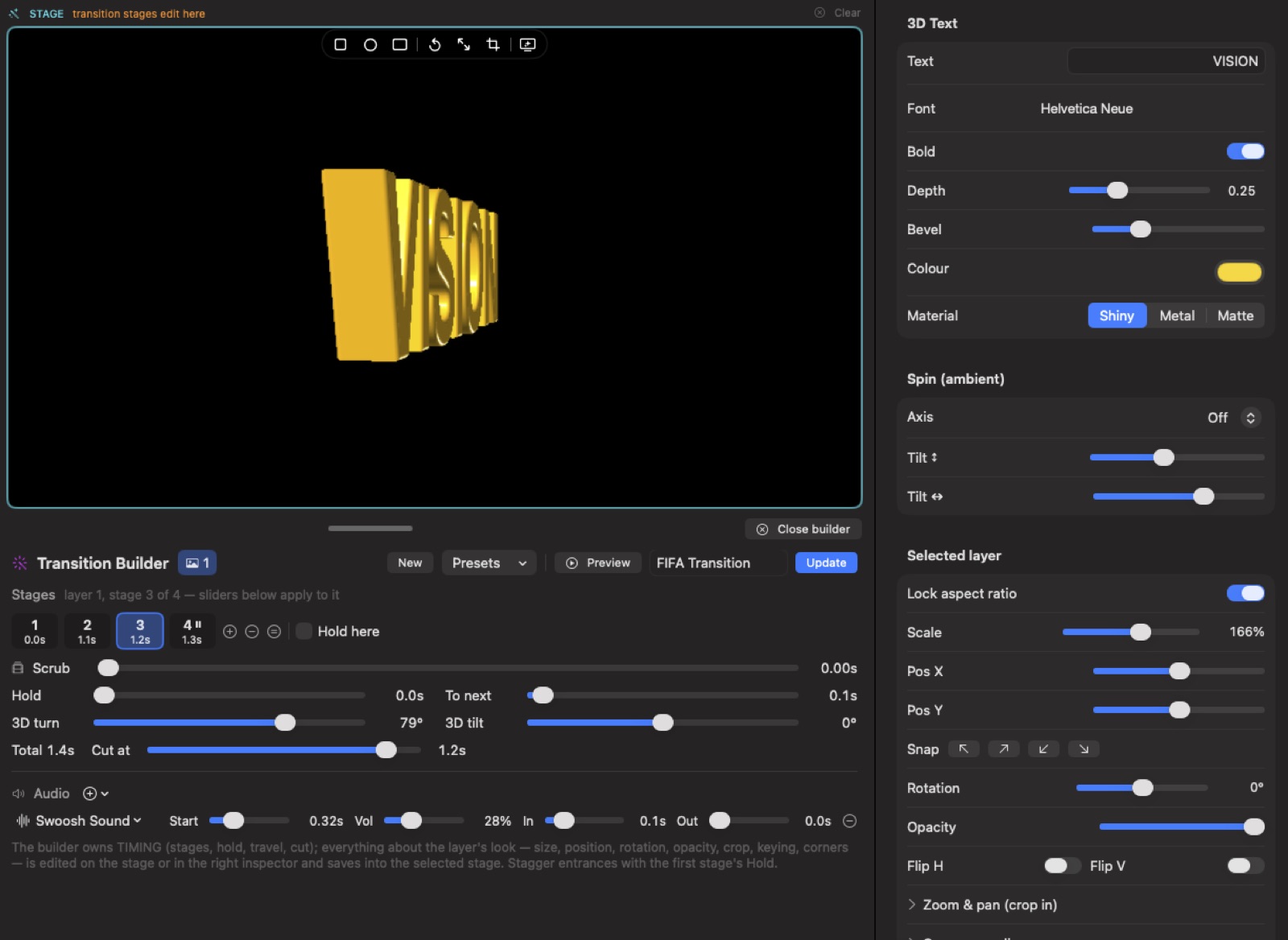
Transitions with real choreography
Animations that would make a motion designer nod — no After Effects required. Fly a 3D title across the screen, park a name banner as long as you need, and fire the whole thing from one button, sound included.
- Animate several layers together with buttery-smooth motion
- Name banners that fly in, stay put, and leave on your cue
- Attach a whoosh or sting to any transition
Presenter tools
Zoom in and draw on anything you share
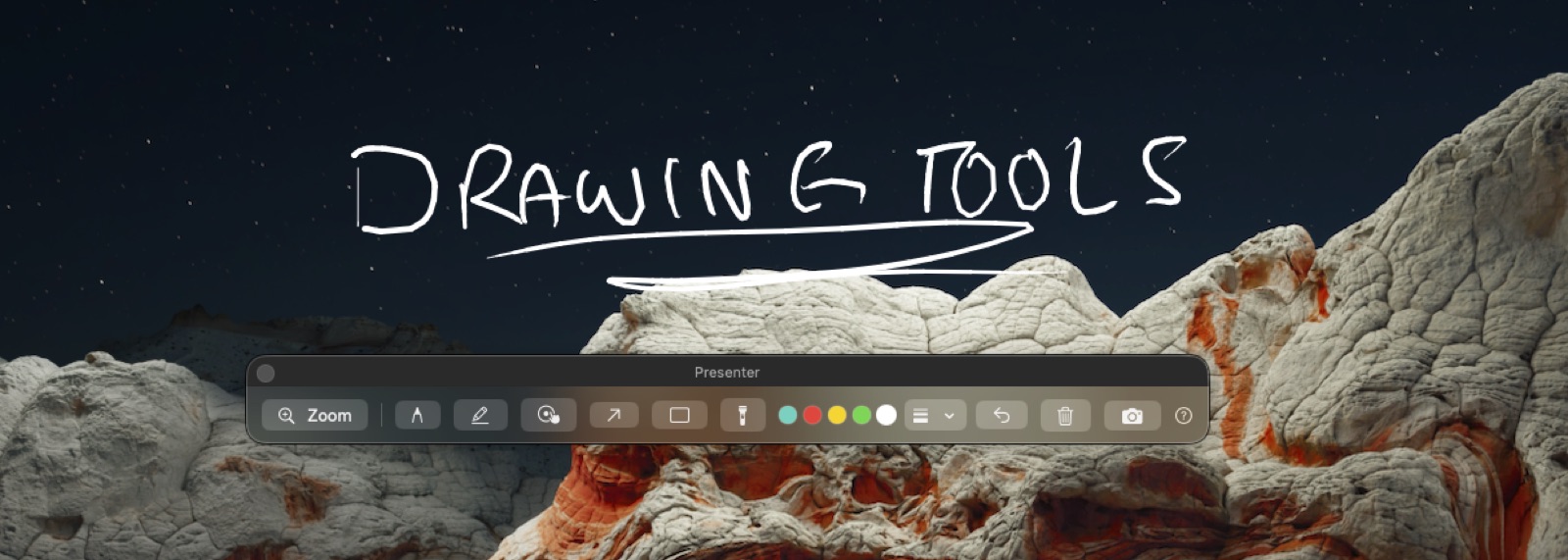
Sharing your screen for a demo, a lesson or a walkthrough? Zoom into the detail hands-free, then draw right on top — arrows, highlights, a spotlight, an auto-fading laser — live, with a tablet or your mouse. Your ink records as its own layer, so it's in the show too.
- Zoom into any part of a screen share, hands-free
- Pen, highlighter, shapes, spotlight and an auto-fading laser
- Annotations are a separate, recordable layer
Audio
A real mixer, not a volume slider
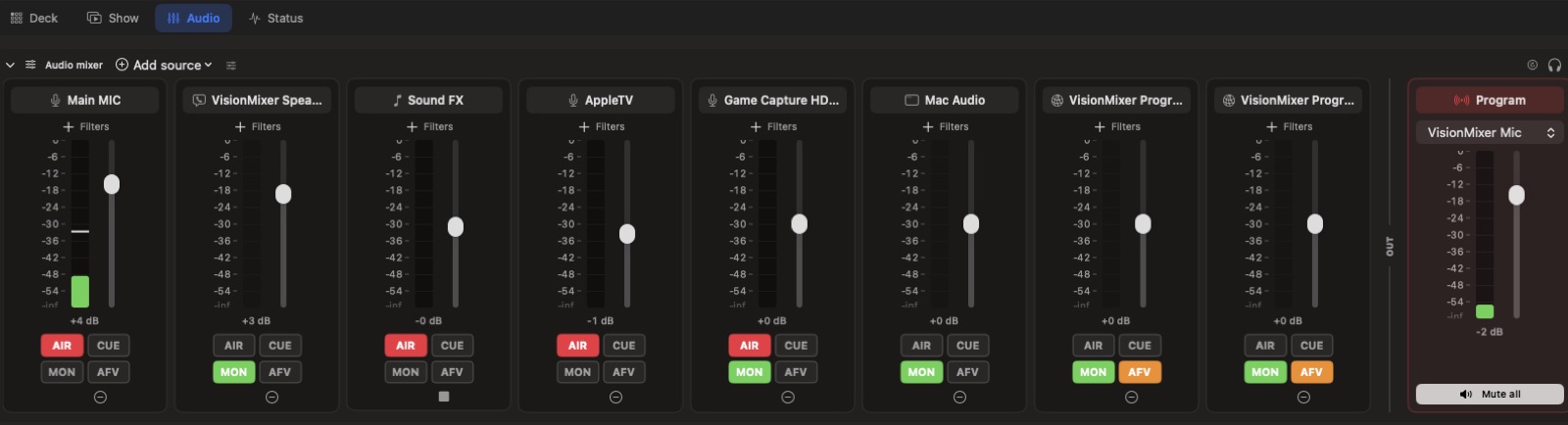
Every source gets its own fader — and what your audience hears, what your headphones hear, and what the room hears can be three different mixes. It stays crackle-free for hours, even with Bluetooth in the chain.
- Clean up any mic with one-click noise reduction and tone controls
- No echo on calls — the built-in virtual mic and speaker handle Teams and Zoom audio properly
- Your Mac's own music and browser sound get a fader too
NEW · VisionMixer Cloud
Remote guests, right in your mixer
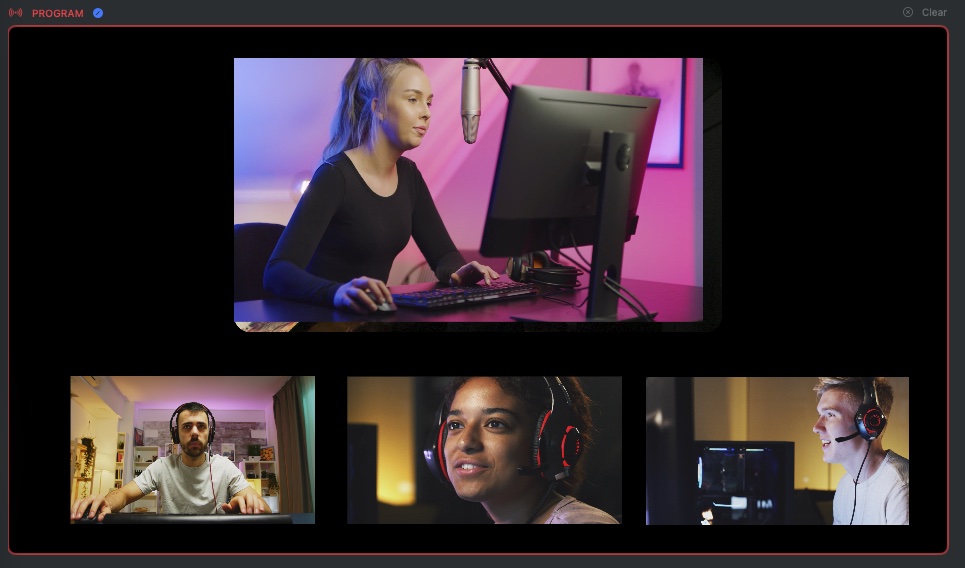
Host interviews, panels and co-streams with people anywhere. Guests join free with a 6-character code — from any browser or the free app, no accounts ever — and arrive in your mixer as sources you frame, fade and switch like everything else. Echo-free multi-guest audio is automatic.
- Guests join from a browser or the free app — they never pay
- Ready-made guest scenes fill themselves as people join
- Email invites, guest roster, per-guest faders and kick/block
Outputs
One show, everywhere at once
One show goes everywhere at once: it's your camera in Teams, Zoom and Meet, your stream on Twitch or YouTube (several at once if you like), a crash-safe recording with instant replay — even a separate vertical version for Shorts and TikTok, designed rather than cropped.
- Virtual camera + mic: your produced show inside any meeting
- Stream to Twitch, YouTube and Kick at the same time
- A real vertical (9:16) show for TikTok, Shorts and Reels