Overlays that are alive
AI stream overlays with real controls
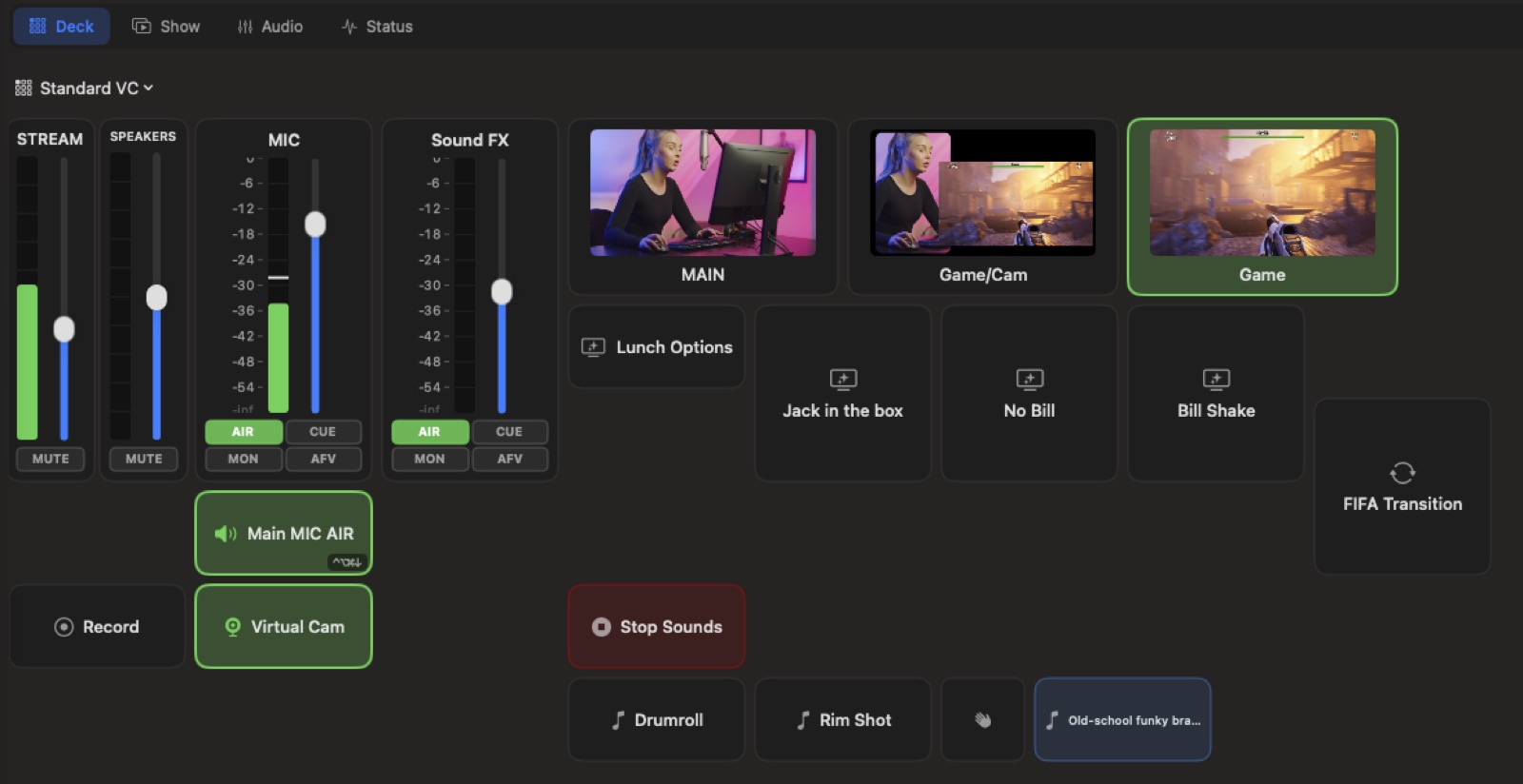
Most AI tools hand you a flat picture. VisionMixer generates HTML overlays — living graphics with looping animation, editable settings and declared live controls. Ask for a countdown timer and it arrives with actual Start, Stop and Reset buttons: in the app, on deck tiles, on hotkeys, even on your phone remote.
- Quick starters for lower thirds, tickers, countdowns and badges
- Editable settings — change the text, colors or timing without regenerating
- Live controls show up wherever you cue things: deck, hotkeys, phone
Green screen without the screen
AI green screen video, already keyed
Describe an image or a short video clip — 4 to 8 seconds, with audio — and VisionMixer generates it on chroma green, then delivers it to your stage already keyed. Confetti bursts, a floating product, weather over your shoulder: AI generated video for streams that layers straight over live cameras, no masking session required.
- Generated images and 4–8 second video clips, with sound
- Arrive on the stage keyed and ready to layer over live video
- Your real camera too: AI person segmentation, no fabric involved
Sound on demand
AI sound effects, music and voices for live production
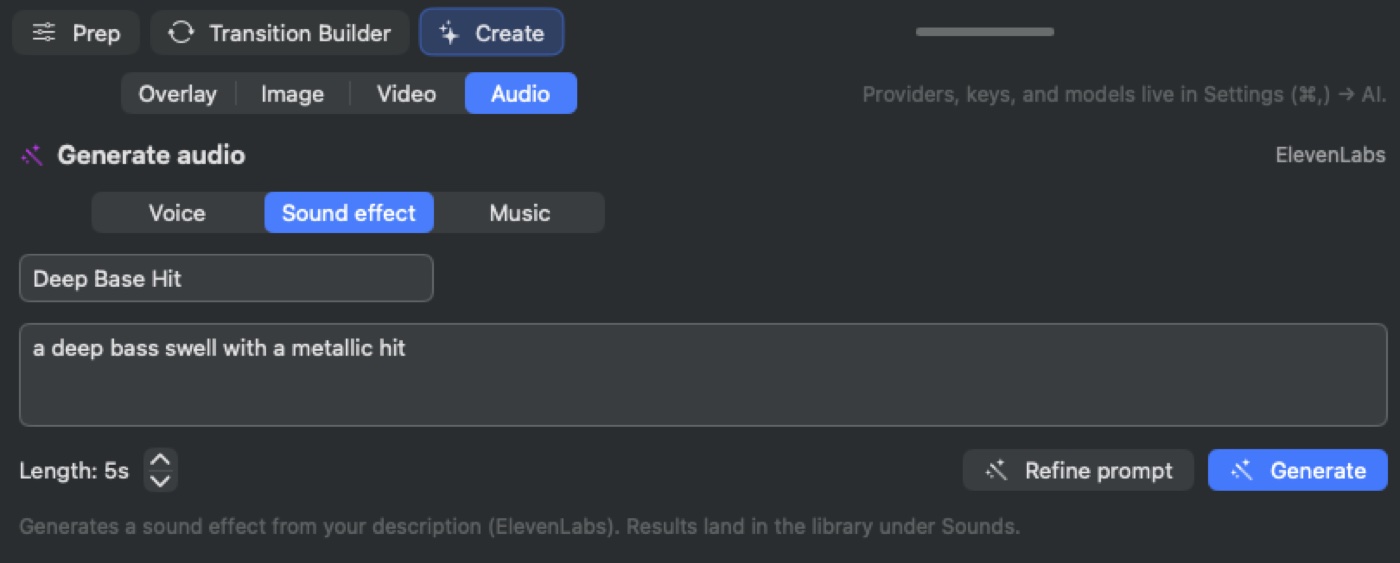
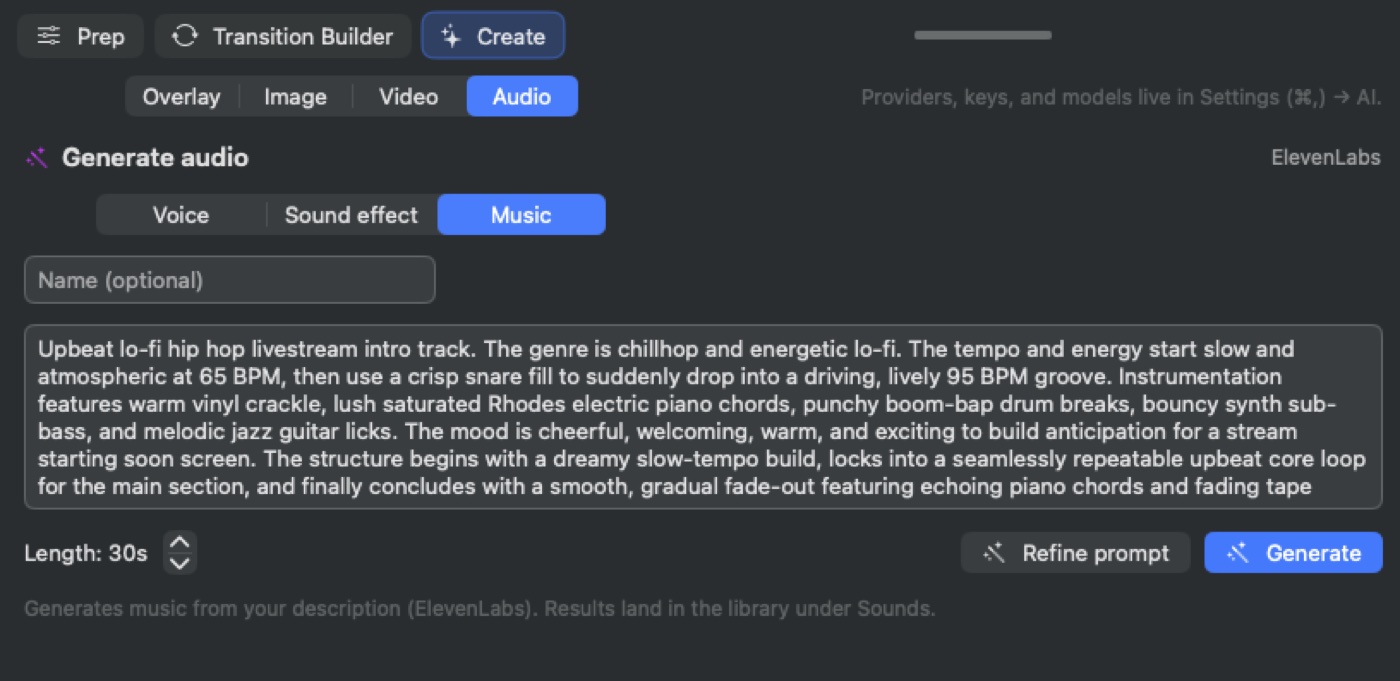
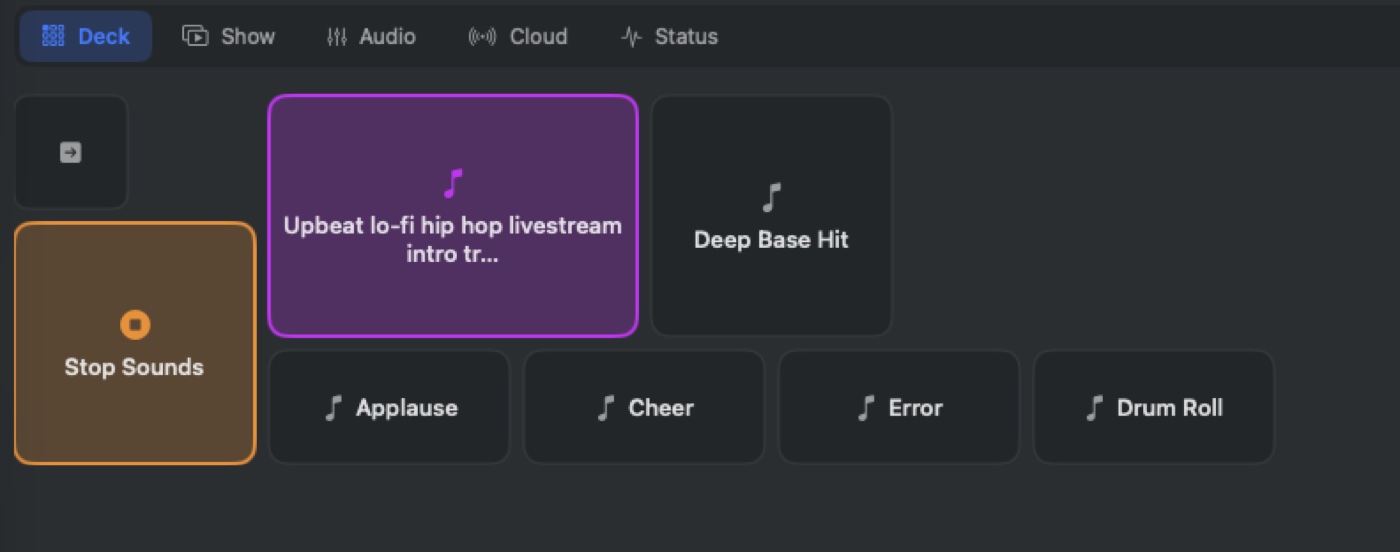
Type “a deep bass swell with a metallic hit,” or hand a script to a generated voice. VisionMixer creates voices with text-to-speech, sound effects and music from plain descriptions, and files every result in the library's Sounds section and on your soundboard pads — ready to fire mid-show.
- Text-to-speech voices for intros, announcements and characters
- Sound effects and music described in a sentence
- Results land on soundboard pads, cued like everything else